TL;DR
Deploying Umami to Vercel with a Supabase database requires two separate connection strings — not one. The official docs mention this, but they don't explain why, which meant I spent hours debugging a build that silently hung with no error output. The root cause was Prisma's migration command running against the connection pool port instead of the direct connection port, combined with a prisma.config.ts file that quietly overrode my environment variables.
Background
After deciding to self-host Umami (covered in Part 1), the deployment path looked straightforward: fork the official repo, import to Vercel, set DATABASE_URL, deploy. The official documentation at docs.umami.is/docs/install lists the environment variables and the expected connection string format. I had a Supabase project ready. Should have been 20 minutes.
It ate most of an evening instead.
The problems weren't random — they were all symptoms of the same underlying tension between how Prisma handles database migrations and how Supabase exposes its PostgreSQL connection. Once I understood that tension, the actual fix was two lines of config. Getting to that understanding meant working through three failures first that each looked like a completely separate problem.
The Problem: Build Hangs After Database Check
The Vercel build log would reach a point and stop:
✓ DATABASE_URL is defined.
✓ Database connection successful.
✓ Database version check successful.
Three green checkmarks, then nothing. No error, no stack trace, just a build that stopped responding until Vercel killed the job.
I added DEBUG="prisma:*" to get verbose Prisma output and confirmed the process was entering applyMigration() inside check-db.js and not coming back.
The script was calling prisma migrate deploy internally. That command was the one hanging.
Investigation
Why prisma migrate deploy Can't Use the Connection Pool
Supabase exposes your PostgreSQL database through two different endpoints:
Transaction pooler — port 6543
This is PgBouncer sitting in front of your database. It manages a pool of persistent connections and hands them out to clients on demand. It's optimized for short-lived queries from serverless functions, where opening a new raw TCP connection for every request would be catastrophically slow. This is what DATABASE_URL should point to at runtime.
Direct connection — port 5432 This bypasses PgBouncer entirely and connects straight to the PostgreSQL process. It's slower to establish but supports the full PostgreSQL wire protocol without restrictions.
The critical constraint: Prisma's migration engine requires a direct connection. prisma migrate deploy needs to hold a transaction open across multiple DDL statements (CREATE TABLE, ALTER TABLE, index creation), acquire advisory locks, and write migration state to the _prisma_migrations table atomically. PgBouncer in transaction pooling mode does not support advisory locks, and it can drop the connection mid-migration if a statement takes too long. The result is a migration that hangs waiting for a lock that will never be granted, or silently fails partway through.
So the problem was structural: the build was trying to run database migrations through the connection pool, which is architecturally wrong regardless of credentials or network conditions.

Splitting DATABASE_URL From DIRECT_DATABASE_URL Stopped the Hang — Almost
The correct setup requires both:
# Runtime queries — goes through PgBouncer connection pool
DATABASE_URL=postgresql://postgres.[project-ref]:[password]@aws-0-[region].pooler.supabase.com:6543/postgres?pgbouncer=true&connection_limit=1

# Schema migrations — bypasses PgBouncer, direct to PostgreSQL
DIRECT_DATABASE_URL=postgresql://postgres.[project-ref]:[password]@aws-0-[region].pooler.supabase.com:5432/postgres
Both environment variables need to be set in Vercel under Settings → Environment Variables, not just DATABASE_URL.
Where to find these strings in Supabase: navigate to your project, click the Connect button (green, near the top), then look for the "Transaction pooler" and "Direct connection" sections. Each one has a copy button that gives you the complete string with your project reference already filled in — you only need to substitute your database password.

I set both variables, redeployed, and watched the build hang at the exact same spot.
prisma.config.ts Was Silently Overriding My DIRECT_DATABASE_URL
Setting both environment variables wasn't enough. The build still hung.
The reason: Umami's repository includes a prisma.config.ts file that Prisma reads before it looks at environment variables. In the version I forked, it looked like this:
import 'dotenv/config';
import { defineConfig, env } from 'prisma/config';

export default defineConfig({
  datasource: {
    url: env('DATABASE_URL'),
  },
});
Notice what's missing: there's no directUrl field. This means Prisma was reading DATABASE_URL (the pooler, port 6543) for everything, including migrations — overriding the DIRECT_DATABASE_URL environment variable that the schema's datasource block would otherwise use.
The fix is to add the directUrl mapping explicitly:
import 'dotenv/config';
import { defineConfig, env } from 'prisma/config';

export default defineConfig({
  datasource: {
    url: env('DATABASE_URL'),
    directUrl: env('DIRECT_DATABASE_URL'),
  },
});
With this in place, Prisma uses DATABASE_URL for runtime queries and automatically switches to DIRECT_DATABASE_URL when running migrations. The config file takes precedence over the schema's datasource block, so this is the right place to set it.
IPv6 Preference Caused EHOSTUNREACH on My Local Network
Even after fixing prisma.config.ts, running prisma migrate deploy locally hit another wall:
connect EHOSTUNREACH 2600:1f16:1ce4:1c00:525c:bf25:5b8d:fff3:5432
Supabase's pooler domain resolves to both IPv4 and IPv6 addresses. Node.js (and therefore Prisma) will prefer IPv6 when it's available in the DNS response. My local network doesn't support IPv6 routing to external hosts, so the connection attempt to the IPv6 address fails immediately with EHOSTUNREACH — host unreachable.
The fix is to append ?family=4 to DIRECT_DATABASE_URL to force IPv4 resolution:
DIRECT_DATABASE_URL=postgresql://postgres.[project-ref]:[password]@aws-0-[region].pooler.supabase.com:5432/postgres?family=4
This is a local development fix only. On Vercel's build infrastructure, IPv6 routing works correctly, so this parameter isn't needed there — but it's harmless to include if you want a single .env file that works in both environments.
A Password With ! and # Broke the URL Parser
One more trap: if your Supabase database password contains special characters like !, @, or #, the URL parser will break on them. The error looks like this:
TypeError: Invalid URL
    at new URL (node:internal/url:819:25)
input: 'postgres://postgres:yourPass!word#123@...'
The characters ! @ # have reserved meaning in URIs. The safest fix is to reset your Supabase database password to one using only alphanumeric characters. The alternative — percent-encoding each character (! → %21, @ → %40, # → %23) — works but makes the string brittle to edit later.
Solution
The complete prisma.config.ts after all fixes:
import 'dotenv/config';
import { defineConfig, env } from 'prisma/config';

export default defineConfig({
  datasource: {
    url: env('DATABASE_URL'),
    directUrl: env('DIRECT_DATABASE_URL'),
  },
});
The complete .env / Vercel environment variable set:
# Vercel runtime — connection pool, serverless-safe
DATABASE_URL=postgresql://postgres.[project-ref]:[password]@aws-0-[region].pooler.supabase.com:6543/postgres?pgbouncer=true&connection_limit=1

# Prisma migrations — direct connection, bypasses PgBouncer
DIRECT_DATABASE_URL=postgresql://postgres.[project-ref]:[password]@aws-0-[region].pooler.supabase.com:5432/postgres?family=4

# Required by Umami
APP_SECRET=any-random-string-you-choose
Substitute [project-ref], [region], and [password] with values from your Supabase Connect page. The [project-ref] looks like abcdefghijklmnop and is already embedded in the strings Supabase gives you — you don't need to find it separately.
My Take
The official Umami documentation does mention both DATABASE_URL and DIRECT_DATABASE_URL. What it doesn't explain is the reason — that PgBouncer in transaction mode blocks the advisory locks Prisma's migration engine depends on. Without understanding why, the two-URL requirement looks like an arbitrary configuration detail you might skip. That's exactly what I did on the first attempt.
The prisma.config.ts override is the nastier trap because it's a file in the repository that silently wins over your environment variables. If you set DIRECT_DATABASE_URL correctly in Vercel but the config file doesn't map it to directUrl, Prisma ignores your variable entirely. The fix is two lines, but you have to know to look for the file — and nothing in the build output points you there.
This architecture — pooler for runtime, direct for migrations — isn't Umami-specific. Any application using Prisma with Supabase will hit the same constraint. Needing two database URLs is becoming standard for serverless Prisma deployments, but the tooling doesn't make that obvious at setup time.
Result
With both URLs set correctly and prisma.config.ts updated, the local development server started cleanly and the Umami login page loaded at localhost:3000.
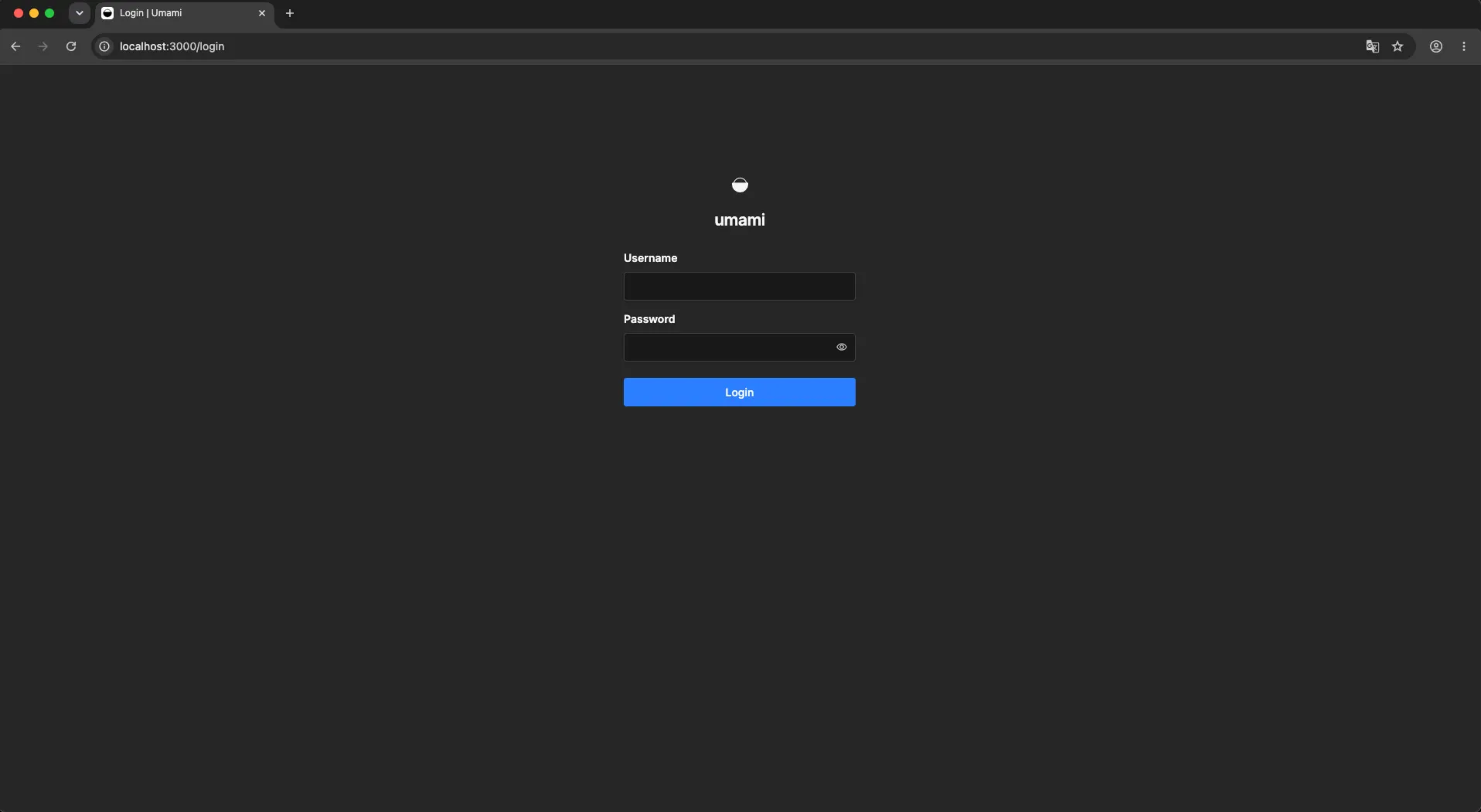
The database connection was stable, migrations ran cleanly through DIRECT_DATABASE_URL, and runtime queries routed through the PgBouncer pool on port 6543 as intended.
Vercel deployment, however, still had one more blocker — not related to the database connection at all. That's the subject of Part 3.
Lessons Learned
PgBouncer in transaction mode blocks Prisma migrations. This isn't a bug or a misconfiguration — it's an architectural incompatibility. Prisma's migration engine uses PostgreSQL advisory locks that PgBouncer doesn't forward in transaction pooling mode. Always use a direct connection (port 5432) for prisma migrate deploy, regardless of what your runtime DATABASE_URL points to.
prisma.config.ts wins over environment variables. If this file exists in your project and doesn't map directUrl, your DIRECT_DATABASE_URL variable is effectively ignored. Check this file first when Prisma migration behavior doesn't match what your env vars suggest.
IPv6 preference is a local network issue, not a Supabase issue. The ?family=4 parameter forces IPv4 and resolves the EHOSTUNREACH error without touching anything else. It's safe to include in your DIRECT_DATABASE_URL for both local and Vercel environments.
Supabase passwords with special characters will break URL parsing. Set a clean alphanumeric password before you start. Fixing it after you've already embedded the encoded version in multiple places is tedious.
Part of the "Self-Hosting Umami on Vercel + Supabase" series. ← Part 1: Why I Left Umami Cloud · Part 3: GeoIP, Migration Bypass, and Git LFS →