
Data status: The structure of this page is final. Concrete numbers in the body are waiting to be filled with real data from the project's GitHub repository (README / CHANGELOG / Release / commit). Do not guess values marked
[ To fill ]; measurement data must state its test conditions, and anything that cannot be reproduced should not be stated as a conclusion.
What it does
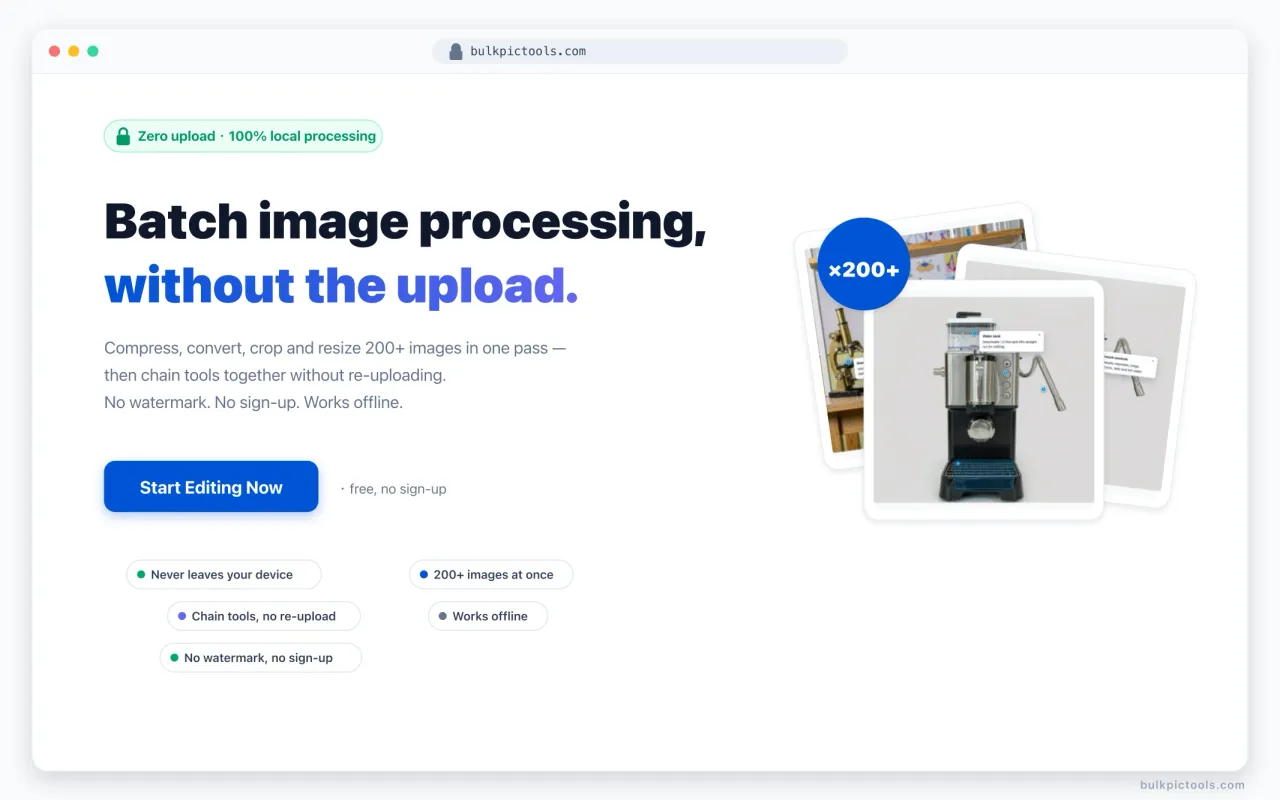
- Batch compress, convert, crop and resize images
- All processing happens locally in the browser — no upload required
- Chain multiple operations into a single continuous pass
Why I built it
[ To fill: the real problem and target user, from the repo README / commits. E.g. online image tools require uploading the original file, which is bad for both privacy and speed. ]
How it works
A Vue + WebAssembly + Canvas client-side pipeline; files never leave the browser. The companion Bridge extension can send an image from any web page straight into the processing queue.
[ To fill: concrete architecture, the WASM modules and the privacy model, based on the source. ]
Results
[ To fill: the metrics below from real GitHub data; measurement-type values must note device / browser / sample / tool / version. ]
| Metric | Value | Source |
|---|---|---|
| Supported operations | [ To fill ] | GitHub README |
| Client-side processing | [ To fill ] | Architecture fact |
| Compression ratio | [ To fill ] | Measured (conditions below) |
| Max images per batch | [ To fill ] | Source / measurement |
Technical decisions
[ To fill: why processing stays fully client-side, and what was given up. ][ To fill: the trade-off between WebAssembly and Canvas. ][ To fill: what to improve next. ]
Related build logs
[ To fill: link to the matching build log on this site once published — no empty links. ]